If you are looking for free website builders with customizable templates for business, you have plenty of options today. The important part is not simply finding a builder that says “free”. You need one that lets you create a website that actually looks like your business, works well on mobile phones, and helps customers contact you.
For Indian business owners, this matters even more. A salon, local shop, clinic, restaurant, coaching centre, photographer or service provider may not need a complicated website. What they need is a clean website with the right information, easy editing and a simple way for customers to enquire.
What should a business website builder offer?
Before choosing a template, check what you can actually change after selecting it.
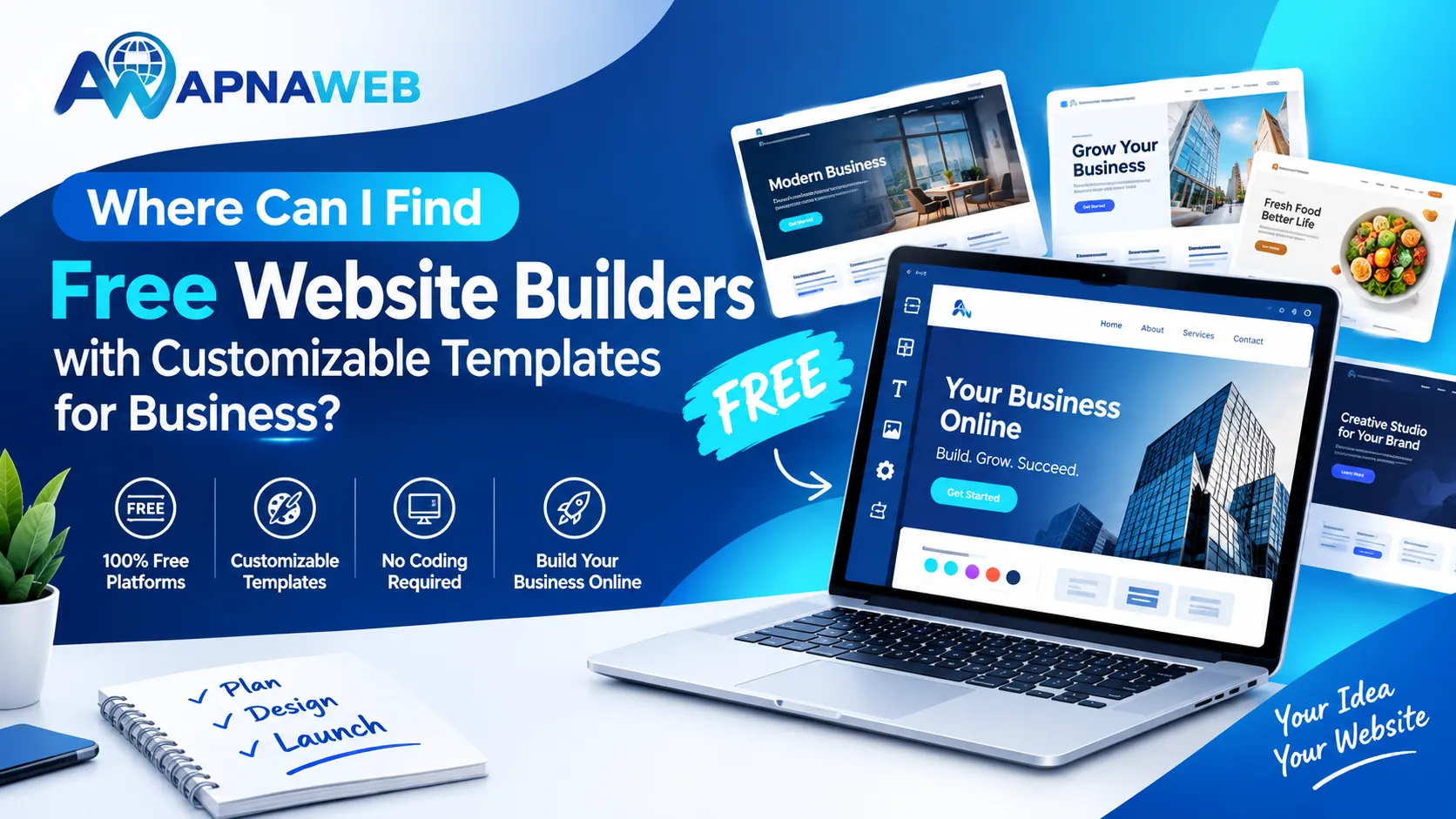
A good business template should let you change your business name and logo, colours, fonts, images, services, products, about section, contact details, buttons and page sections. It should also make it easy to add useful features such as a WhatsApp enquiry option, location and business timings.
The main idea is simple: a template should be a starting point for your website, not a fixed design that you cannot change.
Where can Indian businesses find suitable templates?
For a small business in India, the easiest route is to use a builder with templates designed around different types of businesses rather than starting with a blank page.
Apnaweb provides ready-made templates for businesses such as salons, shops, restaurants, clinics, coaching businesses, gyms, photographers and other local services. You can select a starting design and then change the text, images, colours and sections to suit your business.
You can also start with its AI website creation option if you do not want to choose a design yourself.
This gives business owners two simple routes:
Choose a template → edit it → publish
or
Describe your business → generate a website → edit it → publish
That is particularly useful when you know what your business does but are not sure how the website should be structured.
What does “free website builder” really mean?
This is one of the most important things to understand before creating a business website.
“Free” can mean different things depending on the platform. Some services let you build and preview a website without charging you, while publishing, connecting a custom URL or removing certain restrictions may require payment.
So instead of asking only, “Is it free?”, ask these questions:
- Can I create the website without paying?
- Can I edit all the important sections?
- Are templates included?
- Is the website mobile-friendly?
- Can customers contact my business?
- What will I pay when I want to publish?
- Are there limits on important business features?
- Can I keep using the website after publishing?
This gives you a much clearer picture of the actual cost.
With Apnaweb, you can sign up, create a website, use AI or a ready-made template and edit the website before paying to publish it. The current publishing plan is designed around a low annual cost for Indian businesses.
How to choose the right template for your business
Do not choose a template only because it looks attractive.
The best starting template is usually the one that already has sections close to what your customers need.
For example, a salon may need services, pricing, a gallery, location and an enquiry button. A restaurant may need a menu, food images, timings, location and an enquiry option. A clinic may need services, doctor information, timings, location and contact details.
A shop may benefit from product categories, product images, store information, offers and contact details. A coaching centre can include courses, batches, results, facilities and an enquiry section. A freelancer may need services, a portfolio, an about section and contact information.
Choosing a template that is already close to your business can save a lot of editing time.
If you are planning a new website for small business India, start by listing the questions customers usually ask. Then make sure your template answers those questions clearly.
How to find custom website templates that actually work
Design is only one part of a useful template.
Before selecting one, open the preview on your phone. Look at the first screen a visitor sees. Can they immediately understand what the business offers?
Then check whether the business name is easy to see, the main service is clearly explained and there is an obvious contact or enquiry button. Look at the images and make sure they display properly. Check whether visitors can quickly find your location and timings.
The text should also be easy to read on a small screen, and the page should feel simple rather than crowded.
A template can look impressive in a desktop preview but still be inconvenient for customers using a phone.
For Indian local businesses, mobile usability deserves special attention because many customers will discover the business through their phones.
A simple way to build your business website
You do not need to spend days designing every section.
Step 1: Select your business type
Start with a template that matches your industry or use an AI-generated starting point.
Step 2: Add your business information
Replace sample text with your actual business name, services, address, timings, phone number and other important details.
Step 3: Add real photos
Use your own shop, products, team, work or location photos wherever possible. Real images can make a small business website feel much more genuine.
Step 4: Add an enquiry option
Make it easy for visitors to contact you. For many Indian businesses, a WhatsApp enquiry button can be particularly useful.
Step 5: Check the mobile version
Do not skip this step. Read every heading and tap every important button from your phone.
Step 6: Review your basic SEO information
Add a useful page title and description that explain what your business offers and where you operate.
Step 7: Publish
Once the website looks correct and all contact information has been checked, publish it and start sharing the link with customers.
Why template flexibility matters more than having hundreds of designs
Having thousands of templates sounds useful, but quantity alone does not make a website builder better for your business.
Suppose you find a template that looks perfect but cannot change its sections. You may end up adjusting your business to fit the template.
A better approach is to find a simple design that gives you control.
You should be able to remove unnecessary sections, add the information your customers need and change the visual style without touching code.
That is where Apnaweb focuses on simplicity: start with a business-ready design, then make it your own.
Quick checklist before choosing a builder
Before choosing a website builder, check whether it provides business-focused templates and allows easy visual editing without coding. Make sure the websites work properly on mobile phones and give visitors simple ways to contact you through a phone number, enquiry form or WhatsApp.
It is also useful to have basic SEO controls for editing your page title and description. Check whether you can replace images, change sections and add your own branding. Finally, understand the publishing cost and what features are included before you commit to the platform.
Final answer
So, where should you look for a free business website builder with editable templates?
Start with a platform that lets you build and customise before asking you to pay. More importantly, check whether its templates are suitable for your type of business, whether the website works well on mobile, and whether customers can contact you easily.
For Indian small businesses, Apnaweb provides a straightforward option: choose a ready-made template or generate a website with AI, customise the sections and publish when you are ready.
You do not need to make your first website complicated. A clear layout, genuine business information, good images and an easy enquiry option can be enough to give customers a useful place to learn about your business.
Frequently Asked Questions
Can I create a business website without coding?
Yes. A visual website builder lets you select a template, replace content, add images and edit sections without writing code.
Are free website builders suitable for small businesses?
They can be, especially when you are starting out. However, always check what is included for free and what you will need to pay for when publishing or adding additional features.
Can I customise a ready-made business template?
Yes. A useful template should let you change text, images, colours, buttons and sections so the finished website reflects your business.
What should a small business website include?
At minimum, include your business name, services or products, contact details, location, operating hours, useful photos and a clear way for customers to enquire.
Should my business website be mobile-friendly?
Absolutely. Your website should be easy to read and navigate on a smartphone, with buttons that are simple to tap and important information that is easy to find.
Is Apnaweb suitable for Indian businesses?
Yes. Apnaweb is designed around the needs of Indian small and local businesses, with business-focused templates, mobile-first websites and customer enquiry features.