If your customers are more comfortable reading Hindi, your website should not force them to understand everything in English. A Hindi-friendly website can make your services easier to understand, especially for local shops, salons, clinics, tutors, restaurants and service businesses.
But choosing a business website builder with Hindi language support is not simply about finding a tool that lets you type Hindi text.
The real question is: Can you create, edit and manage a professional Hindi website without technical problems?
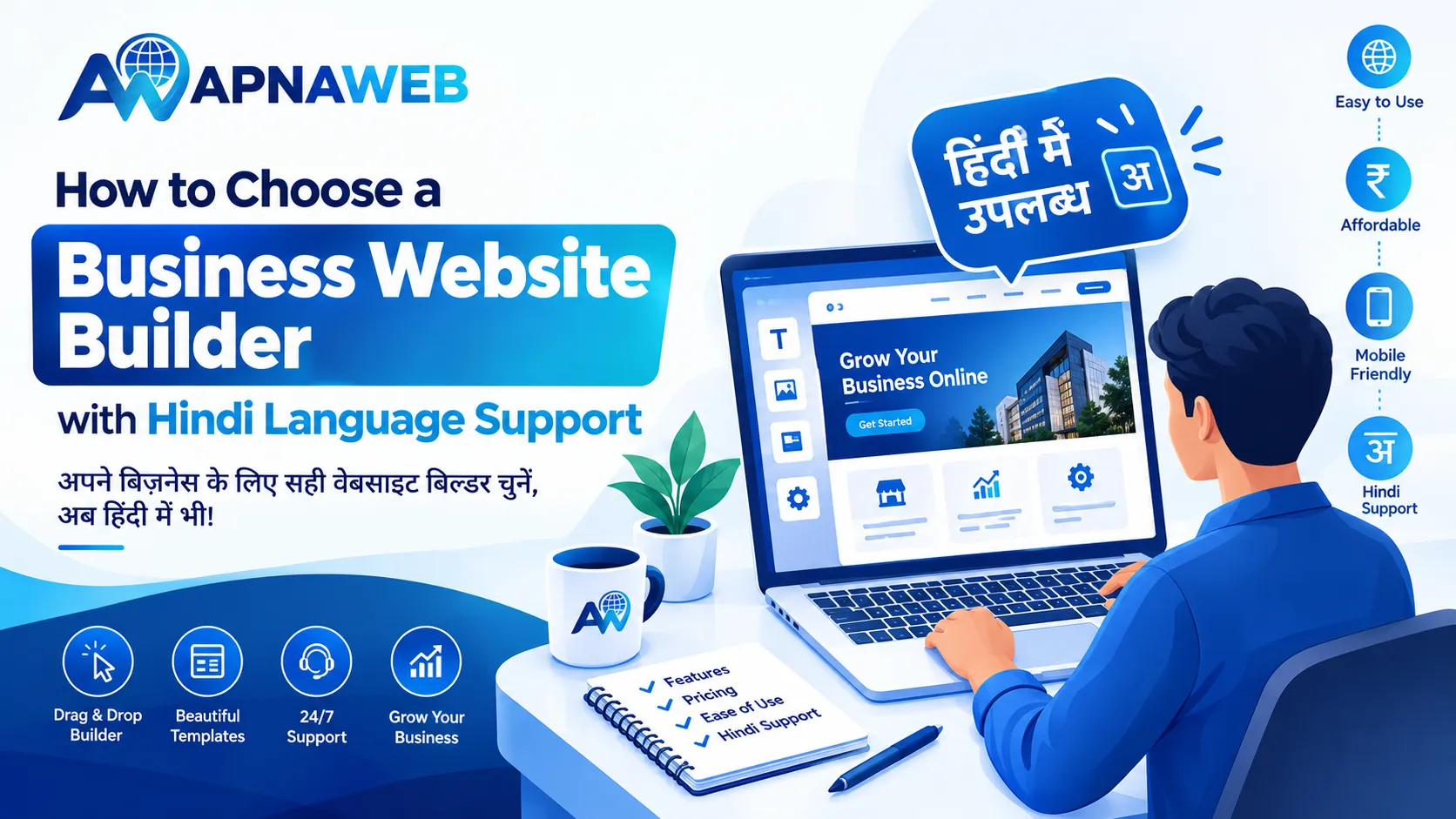
Here is what Indian business owners should check before choosing a website builder.
Quick answer: What should you look for?
Choose a website builder that lets you:
- Add Hindi text easily using Devanagari script
- Edit Hindi headings, buttons and service descriptions
- View Hindi properly on mobile phones
- Use Hindi without broken characters or spacing issues
- Add Hindi page titles and descriptions for search
- Create a Hindi-friendly customer experience
- Change content yourself without depending on a developer
- Use templates that still look professional with Hindi text
- Add simple contact and WhatsApp enquiry options
- Build pages for your city, service and target customers
Hindi support should be treated as a complete website experience, not just a typing feature.
1. Check whether Hindi works everywhere on the website
This is the first test many business owners skip.
A builder may allow Hindi in a text box but create problems elsewhere. Before choosing one, add a short Hindi sentence to the:
- Main heading
- Menu
- Button
- Service section
- Contact section
- Footer
- FAQ
- Page title and description
Then open the website on a mobile phone.
Look for strange symbols, broken characters, uneven spacing or text that gets cut off.
For example, a business might write:
"हम आपके घर तक तेज और भरोसेमंद सेवा पहुंचाते हैं।"
If that sentence looks clean on both desktop and mobile, you have already completed an important test.
2. Don't confuse Hindi typing with Hindi support
A useful website builder should do more than accept Hindi characters.
Hindi support should also work with your website's design.
Hindi words can sometimes take more horizontal space than English words. A short English button may become much longer after translation.
For example:
"Contact Us"
can become:
"हमसे संपर्क करें"
Your builder should automatically handle this difference without pushing buttons outside their containers or breaking the layout.
This is especially important for mobile websites because many Indian customers visit local business websites from their phones.
3. Test the website on a real phone
Don't judge Hindi support only from your laptop.
Open your draft website on an Android phone and check:
- Font size
- Line spacing
- Menu visibility
- Button size
- Image and text alignment
- Hindi headings
- Contact details
- WhatsApp button
- Page loading
- Scrolling experience
A website can look perfect on a desktop and still feel uncomfortable on a small screen.
For an Indian local business, mobile testing should happen before publishing, not after receiving customer complaints.
4. Check whether you can edit Hindi content yourself
Your business will change.
You may add a new service, change your phone number, update an offer or rewrite your introduction.
You shouldn't have to contact a developer every time you want to change one Hindi sentence.
Look for a visual editor where you can click a section, edit the text and save the changes yourself.
This is one reason platforms such as Apna Web are useful for small businesses. You can start with a ready-made design and change the text, images and sections according to your business.
If you are building a website for small business India, ease of editing matters as much as the initial design.
5. Check Hindi SEO before you publish
Writing your website in Hindi is only half the job.
Google also needs to understand what your page is about.
Your website builder should give you control over basic SEO elements such as:
- Page title
- Meta description
- Headings
- Image alt text
- Page URL
- Internal links
You can naturally include Hindi search terms where they make sense.
For example, a local electrician could create content around phrases such as:
"जयपुर में इलेक्ट्रिशियन"
or
"घर पर इलेक्ट्रिकल सर्विस"
Don't fill every paragraph with keywords. Write the page for people first and make the topic clear to search engines.
6. Look for templates that work with Indian businesses
A template can save you hours of design work.
But don't select one simply because the homepage looks attractive.
Think about your business.
A salon may need:
- Services
- Price list
- Photos
- Location
- Booking enquiry
A coaching centre may need:
- Courses
- Faculty information
- Timings
- Results
- Contact details
A local shop may need:
- Products
- Business hours
- Location
- Phone number
- WhatsApp enquiry
When choosing a template, check whether Hindi text fits naturally into these sections.
You can also find custom website templates based on your business type and then adjust the content for your Hindi-speaking customers.
7. Check how Hindi and English work together
You don't always need a completely Hindi website.
Many Indian businesses use both languages.
For example:
हमारे उत्पाद देखें
View Our Products
This mixed approach can work well when your audience includes both Hindi-speaking and English-speaking customers.
The important thing is consistency.
Don't randomly switch languages from one section to another. Decide which language your customers are most comfortable with and use it throughout the main customer journey.
8. Make customer contact easy
A beautiful Hindi website is not very useful if customers cannot contact you easily.
Your website should make the next step obvious.
Depending on your business, this could be:
- Call now
- Get a quote
- Book an appointment
- Visit our shop
- Send an enquiry
For many small Indian businesses, WhatsApp can be particularly useful because customers can ask questions without filling out a long form.
Apna Web includes WhatsApp enquiry functionality so visitors can move from the website to a direct business conversation.
9. Don't forget local information
Hindi support becomes more useful when your website also speaks to the local customer.
Instead of saying:
"Best home services"
you can make the page more specific:
"लखनऊ में भरोसेमंद होम रिपेयर सर्विस"
Include useful local information such as:
- City
- Service area
- Address
- Opening hours
- Phone number
- Directions
- Service availability
This gives visitors a clearer idea of whether your business is relevant to them.
It can also help search engines understand the local purpose of your page.
10. Use this simple Hindi-support test before choosing a builder
Here is a practical test you can complete in about 10 minutes.
Create a temporary page and add:
Heading:
"आपके भरोसे की सेवा, आपके शहर में"
Button:
"अभी संपर्क करें"
Service text:
"हम अपने ग्राहकों को तेज, आसान और भरोसेमंद सेवा प्रदान करते हैं।"
Then check the page on:
- Desktop
- Android phone
- Different screen sizes
Change the heading, button and paragraph once.
If everything remains readable and you can make changes without technical help, the builder is passing an important real-world test.
This is more useful than simply checking whether a website builder has a "Hindi supported" label.
Why Apna Web can be useful for Indian businesses
Apna Web is designed around small and local businesses in India.
You can start with an AI-generated website or select a ready-made template, then edit the sections to suit your business. The visual editor lets you change text, images and colours without coding.
You can also add WhatsApp enquiries and manage customer enquiries from your dashboard.
For a business owner who wants to create a website without spending days learning web design, keeping the process simple can make a big difference.
Final checklist before you publish
Before making your Hindi website live, check these points:
- Is every Hindi sentence displaying correctly?
- Does the website look good on mobile?
- Are buttons readable?
- Can you edit Hindi text yourself?
- Are page titles and descriptions set?
- Are your city and service clearly mentioned?
- Are your phone and WhatsApp details correct?
- Does the template suit your business?
- Are images clear and properly labelled?
- Can a first-time visitor understand what you offer within a few seconds?
If the answer is yes, you are much closer to having a website that works for your customers rather than simply looking good.
Frequently Asked Questions
Is Hindi language support important for an Indian business website?
Yes, particularly when a large part of your target audience prefers Hindi. Hindi content can make your services, pricing and business information easier for customers to understand.
Can I create a Hindi website without knowing coding?
Yes. A no-code website builder can let you add Hindi text, change sections and publish a website without writing HTML or CSS.
Should my entire website be in Hindi?
Not necessarily. You can use Hindi throughout the website, or combine Hindi and English depending on what your customers understand best. The important thing is to keep the customer journey clear and consistent.
Does Hindi content help SEO?
Hindi content can help your website appear for relevant Hindi-language searches when the content genuinely matches what people are searching for. However, simply translating pages or adding keywords does not guarantee rankings.
What should I test before choosing a Hindi website builder?
Test Hindi headings, buttons, paragraphs, menus and forms on both desktop and mobile. Also check whether you can edit the content yourself and whether the builder provides basic SEO controls.
Can a Hindi website also target local customers?
Yes. You can combine Hindi content with useful local information such as your city, service area, address, phone number and opening hours.
Can I create a Hindi business website with Apna Web?
Yes. Apna Web lets you create a business website using AI or ready-made templates and customise the website content to suit your business and audience.