Introduction
When people need a nearby shop, a reliable service provider, or a local supplier, they often start with a Google search. If your business does not appear, potential customers may choose a competitor instead.
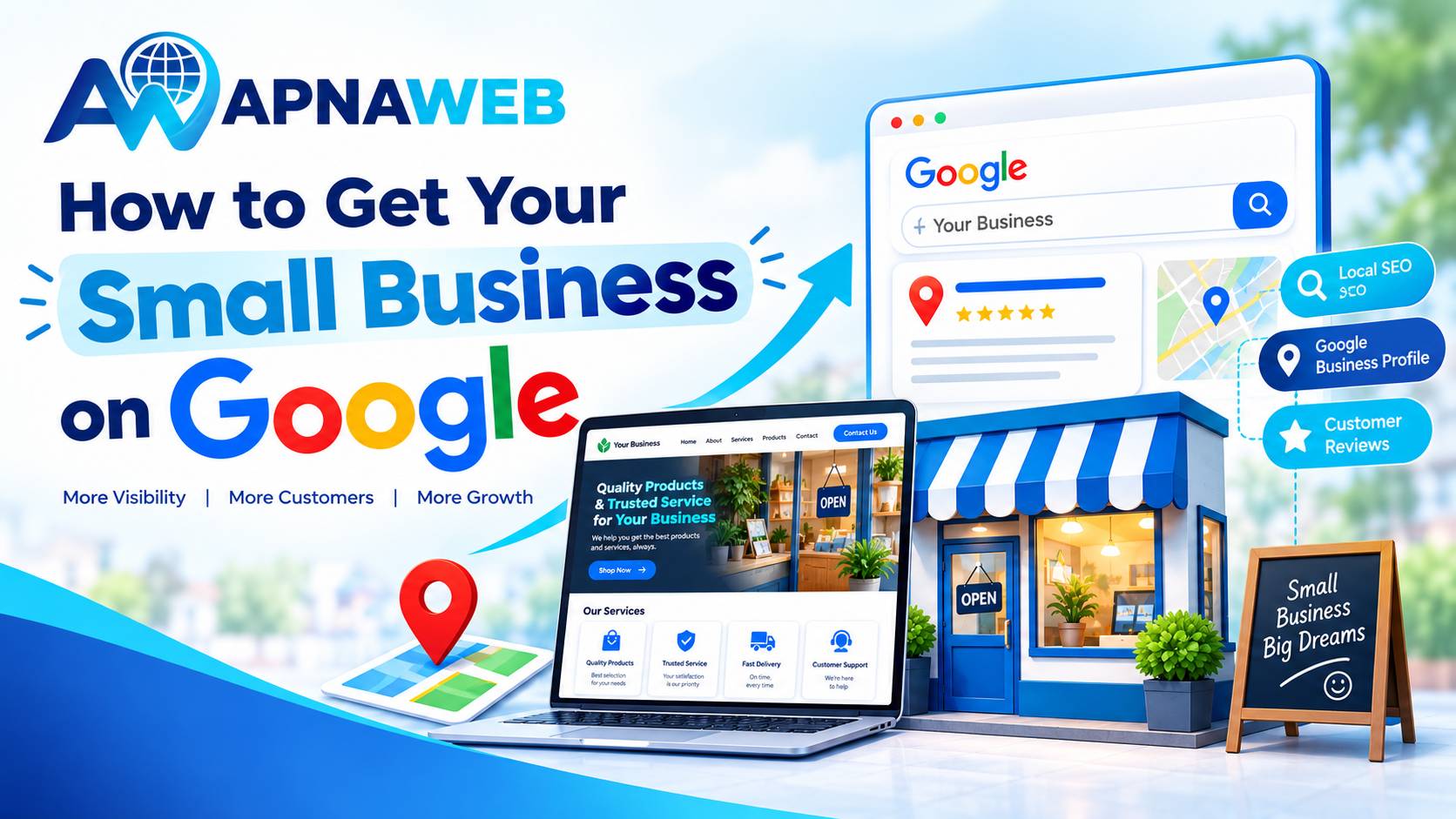
The good news is that you do not need a big marketing budget to start building your online presence. You can create a Google Business Profile, publish a business website, and make it easier for people to contact you.
These steps help Google understand your business and help customers find the information they need.
Here is how to get started in India.
1. Create Your Google Business Profile
A Google Business Profile helps eligible businesses appear on Google Search and Google Maps. It is particularly useful for local shops, salons, repair services, restaurants, consultants, and other businesses that meet Google's eligibility guidelines.
Follow these steps:
- Visit Google Business Profile.
- Sign in using your Google account.
- Enter your business name and select the appropriate category.
- Add your business address if customers visit your location. If you serve customers at their locations, check whether a service-area profile is suitable.
- Enter your phone number, website URL, and other requested details.
- Complete Google's available verification process.
Once verified, review your profile regularly and update any changes to your contact details, opening hours, or services.
A useful tip: Choose a business category that accurately describes what you do. Avoid adding unnecessary keywords to your business name or creating duplicate profiles to try to rank higher.
2. Build a Website for Your Business
Your Google profile helps people discover your business, but a website gives them somewhere to learn more before contacting you.
For example, someone searching for a wedding photographer may want to see previous work, packages, customer testimonials, and booking details. A local clothing store may need product photographs, prices, and an easy way to place an order.
A business website can include:
- Your business name and a clear introduction.
- Products or services with relevant details.
- Real photographs of your work, shop, or products.
- Your phone number and WhatsApp contact option, where appropriate.
- Your service area and business address, if applicable.
- Customer reviews or testimonials that you can genuinely substantiate.
- A clear enquiry, booking, or purchase button.
You do not have to hire a developer to create these pages. With Apnaweb, small business owners can explore website-building options designed to help them establish an online presence without complicated technical work.
If you want a business website builder India option, look for features that suit your actual needs, such as mobile-friendly layouts, product or service pages, contact details, and straightforward website management.
A simple, complete website is a better starting point than a fancy website that leaves customers wondering what you sell or how to reach you.
3. Make Sure Google Can Find Your Website
Publishing a website does not guarantee that it will appear immediately in search results. Google needs to discover, crawl, and index your pages.
Here is what you should do:
Set up Google Search Console: Visit Google Search Console and verify ownership of your website. This tool helps you monitor indexing, search performance, and certain technical issues.
Submit your sitemap: If your website has a sitemap, submit it through Search Console. A sitemap helps Google discover important URLs, although it does not guarantee indexing.
Check indexing: Use the URL Inspection tool to see whether Google has indexed your homepage or important service pages. If a page is not indexed, investigate the reason before requesting indexing.
Use clear page titles: Give every important page a descriptive title. For example, a bakery in Jaipur could use a title such as “Custom Cakes in Jaipur | Business Name”.
Keep pages accessible: Make sure important content is not blocked by login requirements, accidental noindex settings, or other technical restrictions.
These steps help establish your website as an official online presence. For more details, follow Google's guide to establishing business details.
4. Improve Your Visibility in Local Searches
Your business may serve customers in a particular neighbourhood, city, or group of nearby areas. Local SEO helps you communicate that relevance to search engines and potential customers.
Start with these practical actions:
- Mention your actual city or service area on relevant website pages.
- Describe your services clearly instead of repeating the same search phrase throughout the content.
- Keep your business name, address, and phone number consistent across your website and legitimate business listings.
- Upload original, useful photographs to your Business Profile.
- Ask satisfied customers for honest reviews without offering rewards in exchange for positive ratings.
- Reply professionally to customer reviews, including negative ones.
For example, a home cleaning service in Pune could explain which areas it serves, the cleaning packages available, and how customers can request a quotation.
Avoid creating dozens of nearly identical pages for different cities if you do not genuinely serve those locations. Each page should offer useful, location-specific information.
5. Help Visitors Contact You Easily
Getting visibility is only one part of the job. Your online presence should also help potential customers take the next step.
Imagine someone finds your tailoring business on Google. They visit your website but cannot find your phone number, service details, or working hours. They may leave and contact another tailor.
To avoid this, make your main contact option easy to find. Use readable text, clear buttons, and a layout that works well on mobile phones.
Apnaweb can be a starting point for business owners who want to create a website without technical complexity. If you are exploring how to make a business website without coding, first decide what customers need to know, then select a suitable layout and add your business information.
Before publishing, test the website on your phone. Check every button, contact link, and important page. Make sure photographs load properly and that customers can understand your offer without having to search for it.
6. Track Your Progress and Improve
Do not judge your progress only by searching for your business name every day. Search results can vary by location, device, and other factors.
Instead, review a few useful indicators:
- Google Business Profile performance: Check the available data on how people discover and interact with your profile.
- Search Console: Monitor impressions, clicks, search queries, and indexing issues.
- Website enquiries: Count calls, form submissions, WhatsApp conversations, or orders that come through your website.
- Customer feedback: Ask new customers how they found you.
During the first month, focus on completing your profile, publishing useful website pages, and fixing technical problems. After that, review which pages and search queries attract relevant visitors.
There is no guaranteed timeline for ranking on Google. Progress depends on competition, relevance, website quality, location, and other factors. Consistent improvements are more useful than trying shortcuts that promise instant results.
Why Apnaweb Can Help Small Businesses
Many Indian business owners manage sales, customer service, inventory, and daily operations themselves. Building an online presence can feel like one more complicated task.
Apnaweb is worth exploring if you want a practical starting point for creating your business website. A dedicated website lets you present your services, showcase products, share contact information, and give customers a place to learn about your business.
Start with the essentials rather than trying to build everything at once. Publish your main pages, check that the contact details are correct, and improve the website as your business grows.
Remember that a website builder does not automatically guarantee Google rankings. You still need useful content, accessible pages, accurate information, and ongoing attention to your customers' needs.
Frequently Asked Questions
1. How can I get my small business on Google for free?
Create and verify an eligible Google Business Profile at no charge. You can also use Google Search Console to monitor your website's indexing and search performance. Building a website may involve costs depending on the platform, domain, and features you choose.
2. Can my business appear on Google without a website?
Yes. An eligible and verified Google Business Profile can appear on Google Search and Maps without a website. However, a website gives customers more information about your products, services, prices, and contact options.
3. How long does it take for a business to appear on Google?
The timing varies. Business Profile verification, website crawling, and indexing are separate processes. Some changes may appear quickly, while others can take days or longer. Neither verification nor indexing guarantees a particular search ranking.
4. How can I improve my business's ranking on Google Maps?
Keep your Business Profile accurate and complete, choose the correct category, add genuine photographs, collect honest customer reviews, and respond professionally. Google's local results are influenced by relevance, distance, and prominence, so no single action guarantees a top position.
5. Do I need coding skills to build a business website?
No. Website builders such as Apnaweb offer an option for business owners who want to create an online presence without writing code. You should still check the available features, pricing, domain options, and publishing requirements before choosing a platform.
6. Is a Google Business Profile enough to grow my business online?
It can be a useful starting point, especially for local businesses, but it is not the only part of an online strategy. A website, helpful content, customer reviews, and a simple enquiry process can give potential customers more reasons to trust and contact you.
Final Thoughts
Getting your business on Google starts with a few practical steps: set up your Business Profile, create a helpful website, verify your website in Search Console, and keep your information up to date.
You do not need to complete everything in one day. Start with the information customers ask for most often, make it easy for them to contact you, and improve your online presence over time.
If you are ready to take the first step, explore Apnaweb and see how you can create a website for your business without making the process unnecessarily complicated.